
Logging In
TocaToca accounts are managed through auth.tocatoca.com. After a successful login, you will be automatically redirected to the TocaToca player at play.tocatoca.com.
Sign In
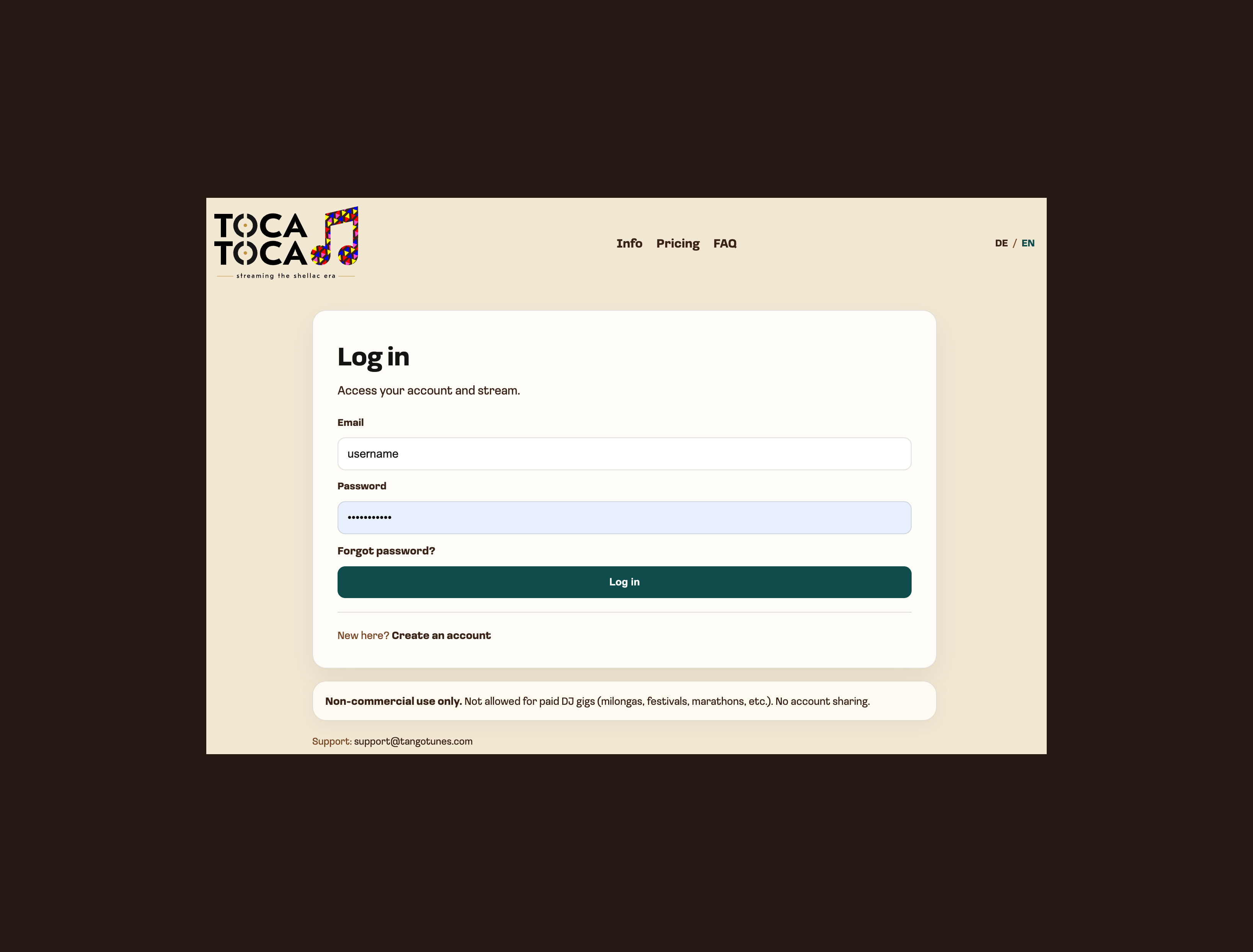
Section titled “Sign In”Open the login page and enter the email address and password associated with your TocaToca account.
After Logging In
Section titled “After Logging In”Once you have successfully signed in, you will be redirected to the TocaToca player.
From there, you can browse the catalog, discover recordings, and start listening immediately.
If You Cannot Log In
Section titled “If You Cannot Log In”Please check the following:
- that the email address has been entered correctly
- that the password has been entered correctly
- whether Caps Lock is enabled
- that you are using the correct account
If you have forgotten your password, you can request a password reset from the login page.
For additional help, please see Login Problems.