
Finding Artists
The Artists view allows you to search for artists, orchestras, singers, composers, lyricists, and other contributors.
Searching for an Artist
Section titled “Searching for an Artist”Click Artists in the navigation menu.
A list of all available artists will be displayed.
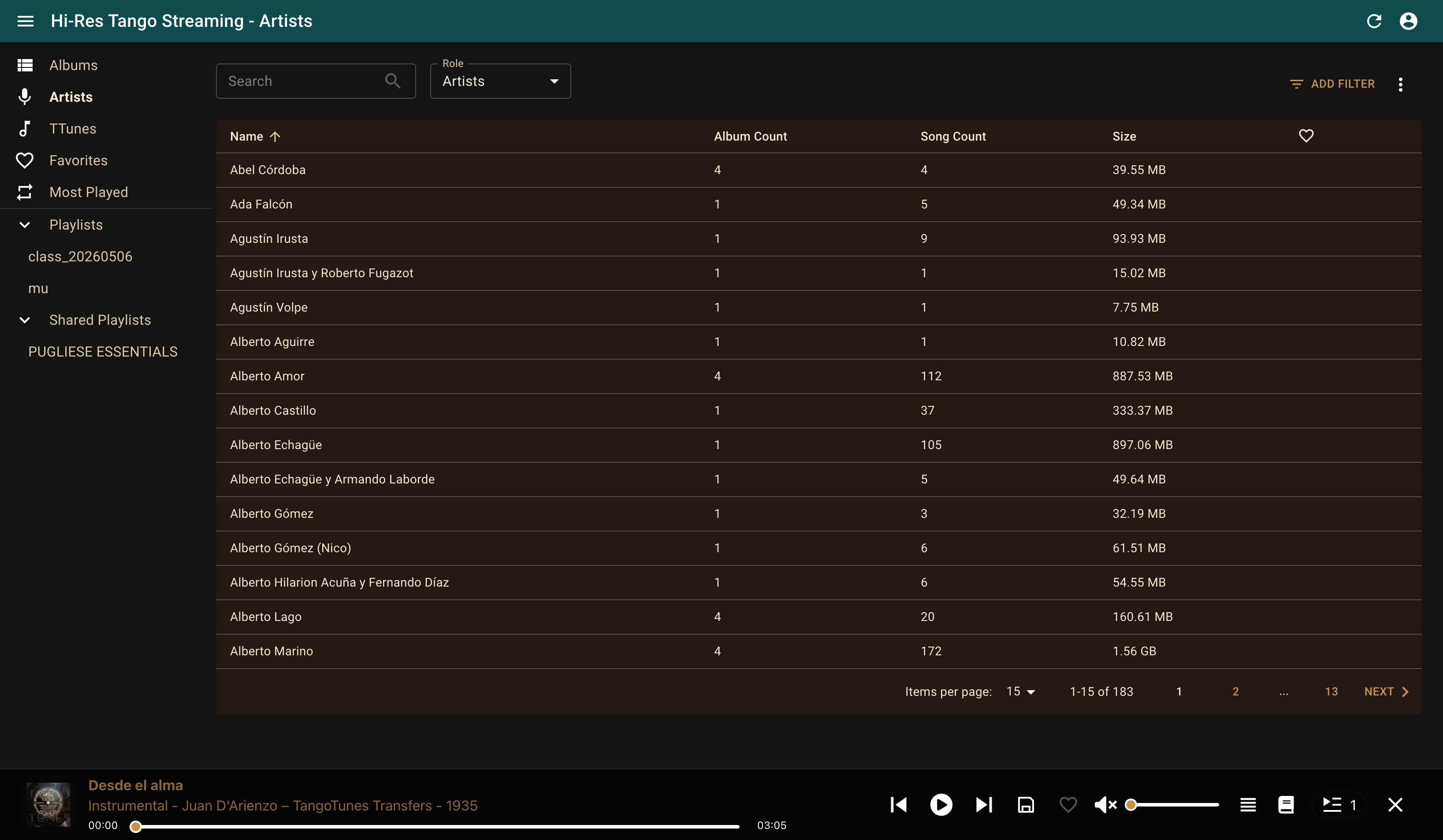
Enter your search term in the search field.

The list is filtered automatically as you type.
Viewing All Recordings by an Artist
Section titled “Viewing All Recordings by an Artist”Click on the name of an artist in the search results.
In the example below, all available recordings featuring Alberto Podestá are displayed.
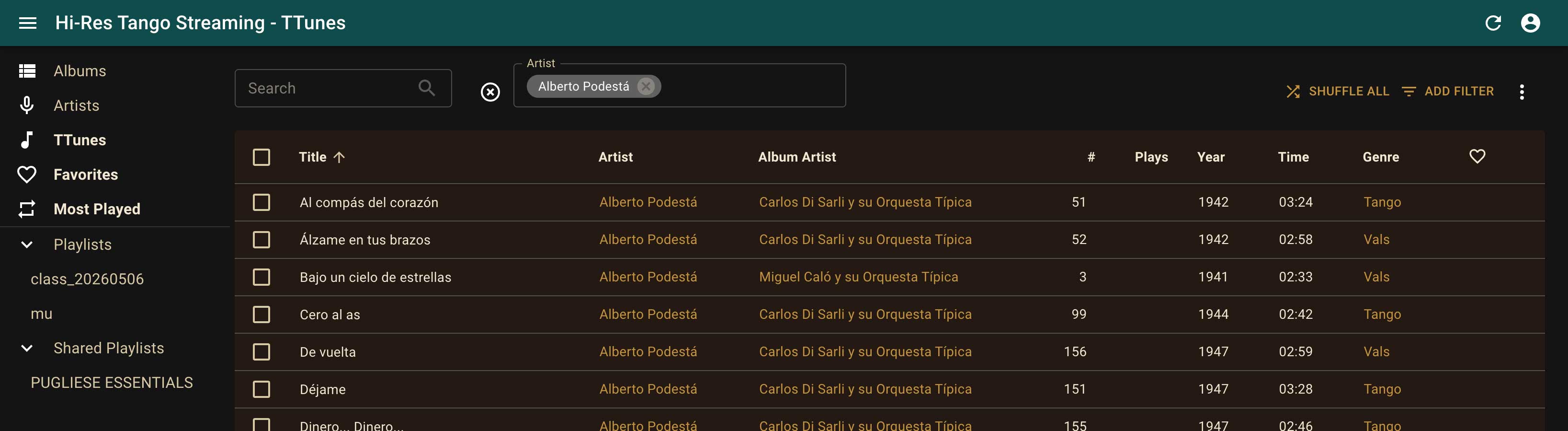
This provides immediate access to all matching recordings in the catalog.
Saving Search Results as a Playlist
Section titled “Saving Search Results as a Playlist”You can add the displayed recordings directly to a playlist.
Select the desired recordings or choose all recordings in the list.
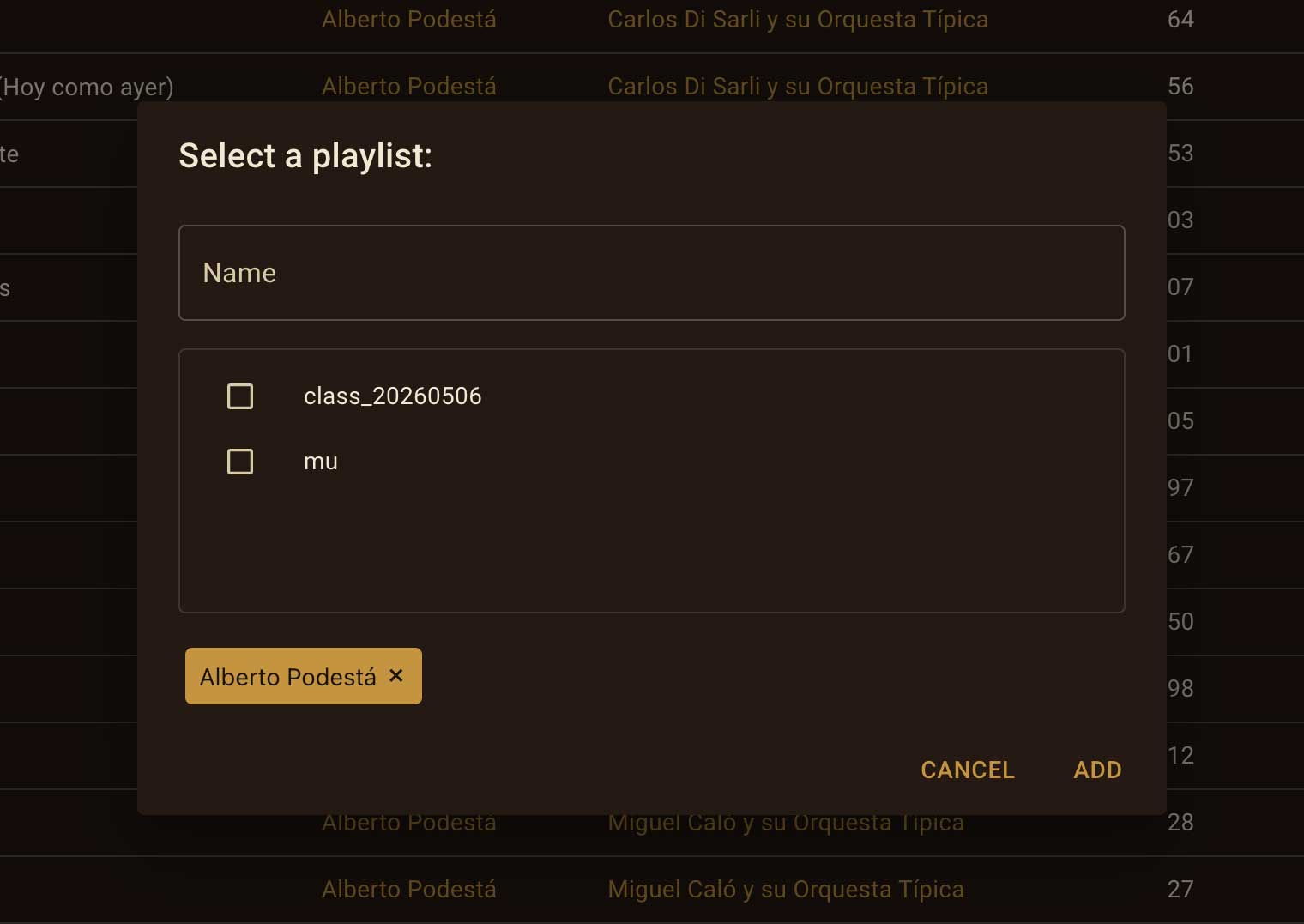
Then click the “Add to Playlist” icon.
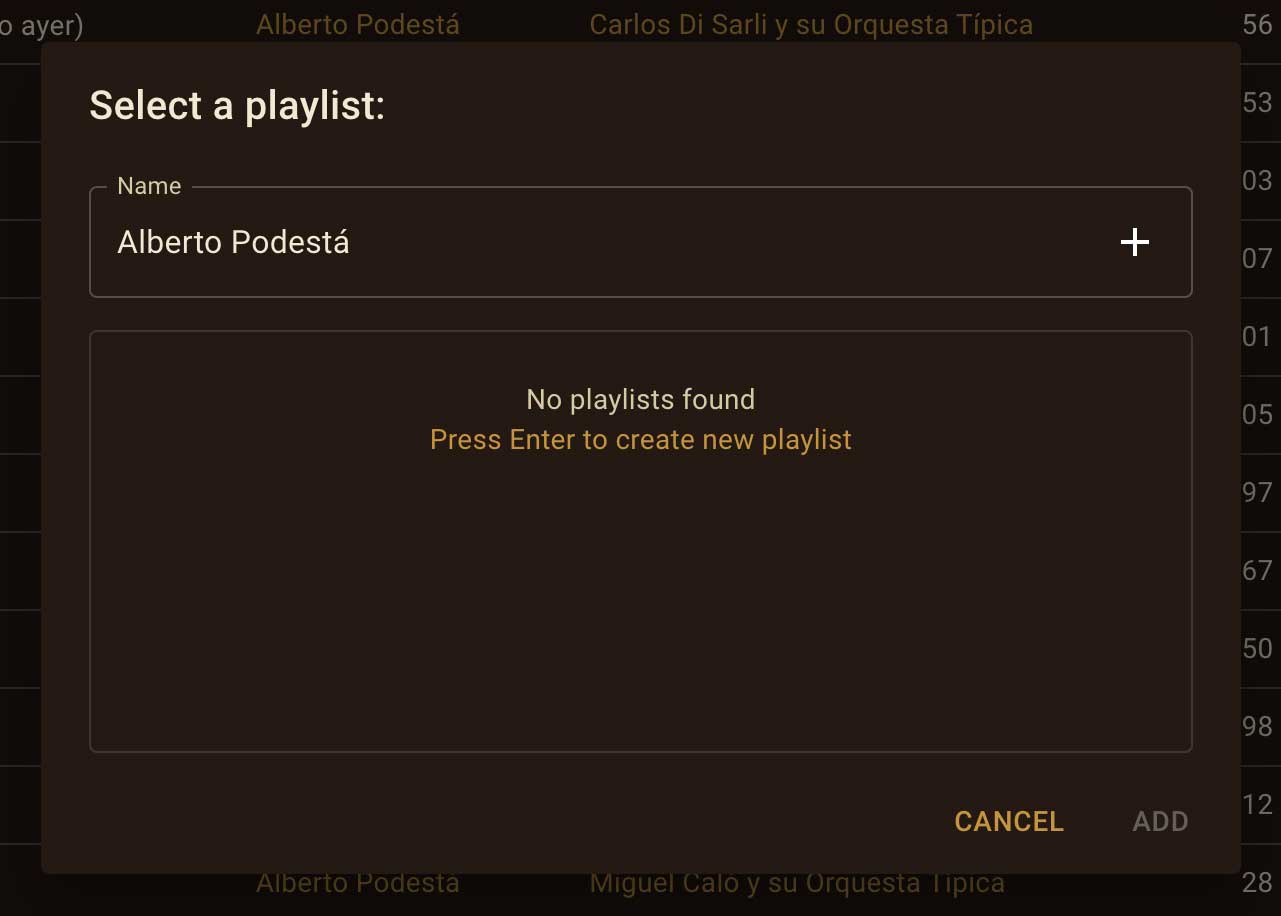
Choose an existing playlist or create a new one.
When creating a new playlist, confirm the playlist name by pressing Enter.
Searching by Different Roles
Section titled “Searching by Different Roles”The Artists section supports different categories and contributor roles.
Using the selector above the list, you can choose which type of contributor you would like to browse.
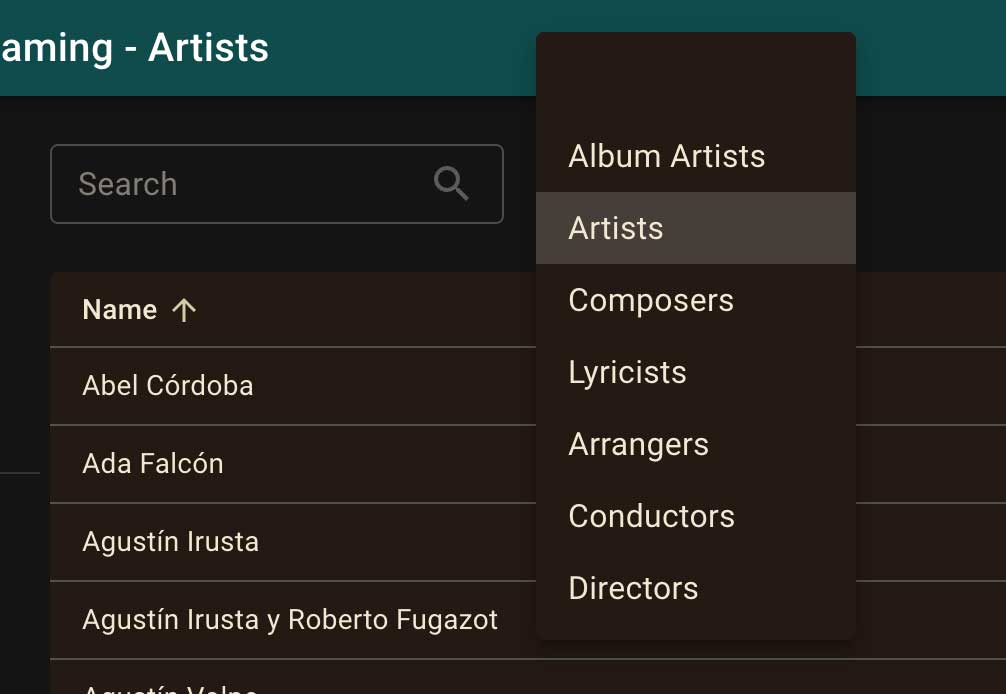
You can then search and filter the results as usual.
Historical Name Variations
Section titled “Historical Name Variations”Historical recordings sometimes contain different spellings of the same name.
If a search produces no results, try:
- using only the surname
- searching with part of the name
- trying alternative spellings
Often, a shorter search term will help you find the recordings you are looking for.