
Playlists
Playlists allow you to create personal collections of your favorite recordings and access them whenever you like.
Playlists are useful for:
- favorite recordings
- specific orchestras or singers
- practicas and classes
- musical themes or moods
Creating a Playlist
Section titled “Creating a Playlist”Open the Playlists section and create a new playlist.
Choose a meaningful name so that you can easily find it again later.
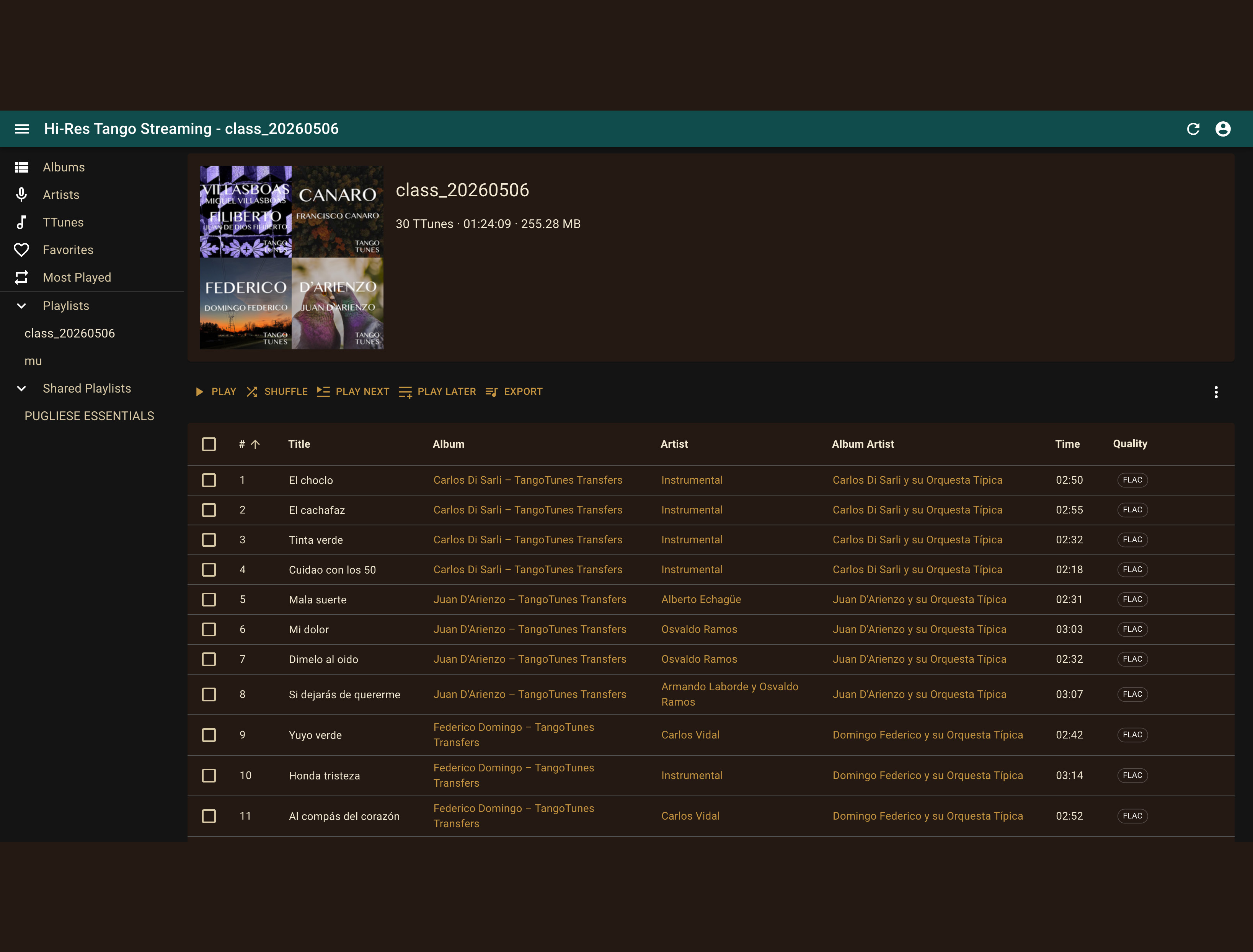
A playlist contains your selected recordings and can be expanded or modified at any time.
Adding Recordings to a Playlist
Section titled “Adding Recordings to a Playlist”Recordings can be added from search results, collections, artist lists, and other areas of the catalog.
Select one or more recordings using the checkbox to the left of each title.

After selecting recordings, additional actions become available in the list header.
Choose “Add to Playlist” and then select the desired playlist.
Adding Multiple Recordings at Once
Section titled “Adding Multiple Recordings at Once”You can select any number of recordings and add them to a playlist in a single step.
This is particularly useful when working with complete search results, collections, or artist lists.
Playing a Playlist
Section titled “Playing a Playlist”Open the playlist you would like to listen to and start playback.
You can:
- play the entire playlist
- start individual recordings
- change the order of recordings
- add or remove recordings
Editing Playlists
Section titled “Editing Playlists”Playlists can be modified at any time.
You can add recordings, remove recordings, or create additional playlists for different purposes.
Over time, playlists become your own personal collection of historical recordings.