
Favorites
Favorites allow you to mark recordings that you would like to revisit later.
Marking a Recording as a Favorite
Section titled “Marking a Recording as a Favorite”Click or tap the heart icon next to a recording or directly in the player.
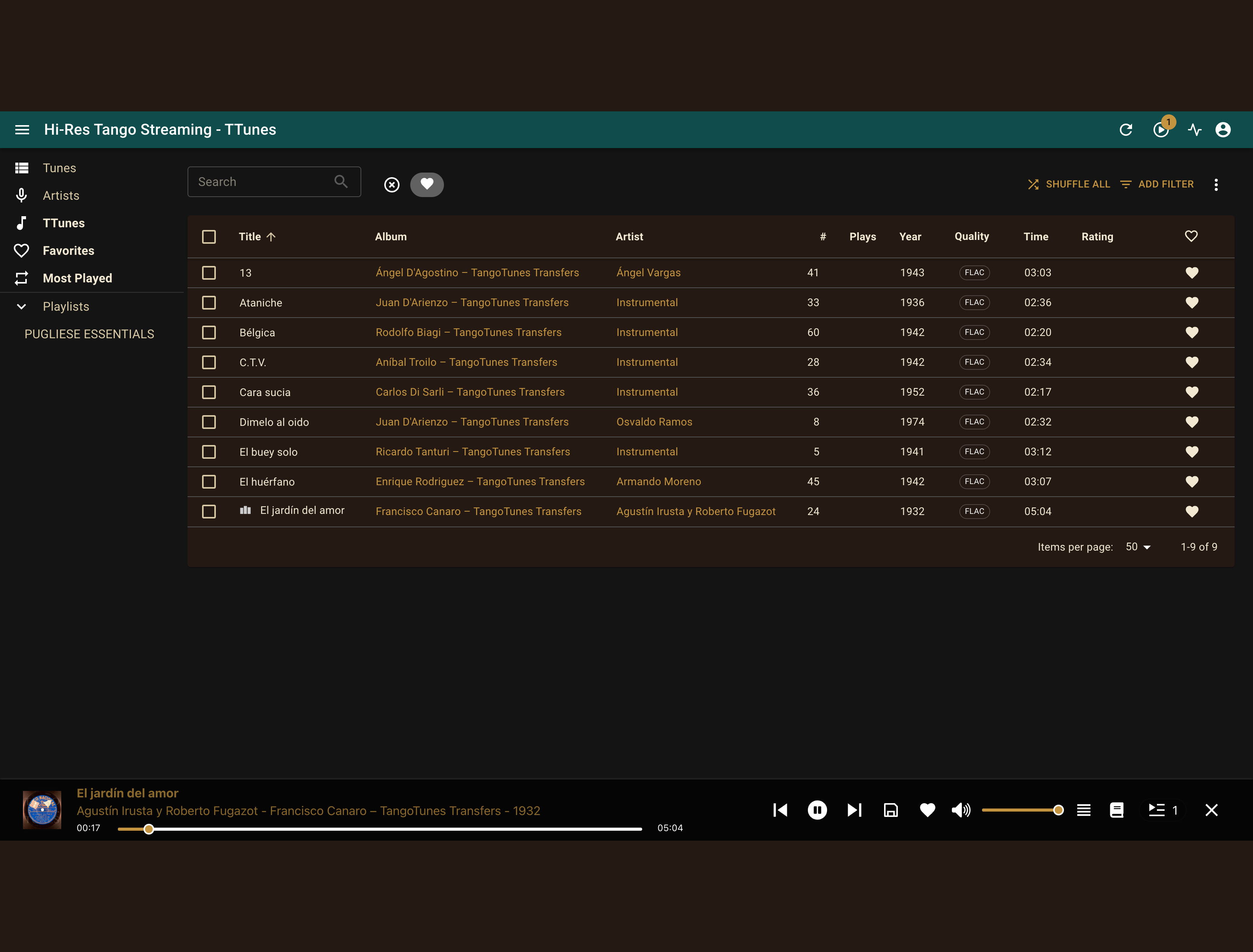
The heart icon marks a recording as a favorite. All saved favorites are collected in one convenient place.
Viewing Your Favorites
Section titled “Viewing Your Favorites”Select Favorites from the navigation menu.
There you will find all recordings that you have previously marked with a heart.
Favorites are especially useful for saving interesting discoveries and keeping frequently played recordings close at hand.
Removing a Favorite
Section titled “Removing a Favorite”Click or tap the heart icon again to remove the recording from your favorites.
The recording remains available in the TocaToca catalog and can be added again at any time.