
Logging Out
If you use TocaToca on a shared or public device, it is a good idea to sign out when you are finished.
Logging Out
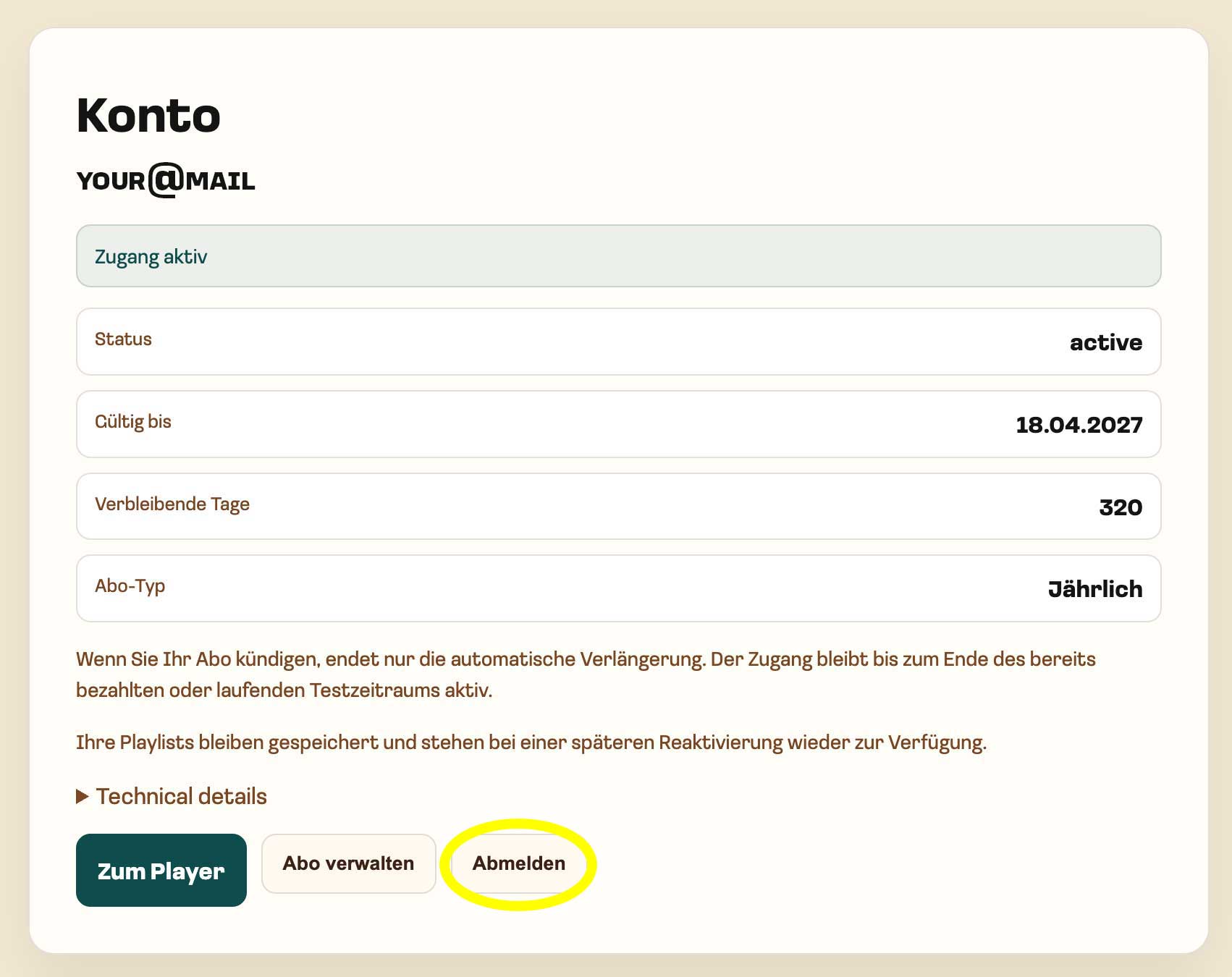
Section titled “Logging Out”Open auth.tocatoca.com and select “Sign Out”.
After Signing Out
Section titled “After Signing Out”Once you have signed out, your session in that browser is terminated.
To use TocaToca again, simply sign in with your account credentials.
On shared devices, signing out helps protect your account from unauthorized access.
For additional information about account security, please see Passwords and Account Access and Responsible Use.