
Using the Player
The player controls the current playback and remains available while you continue browsing the catalog, searching for recordings, or exploring collections.
Starting and Pausing Playback
Section titled “Starting and Pausing Playback”Use the Play button to start a recording. Use Pause to stop playback temporarily and continue listening later.
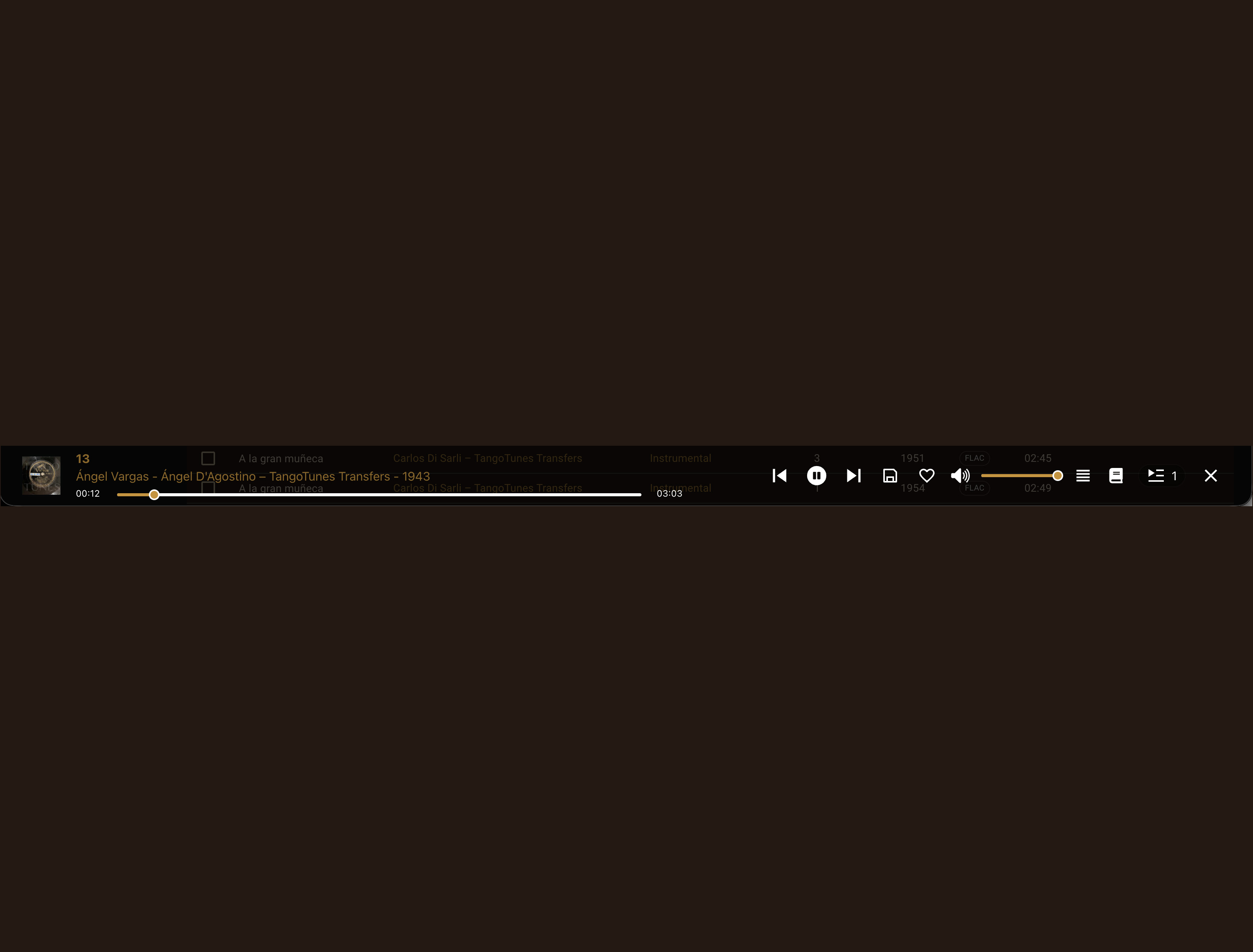
The desktop player displays the current recording and the most important playback controls.
On smartphones and tablets, the player is displayed in a layout optimized for smaller screens.
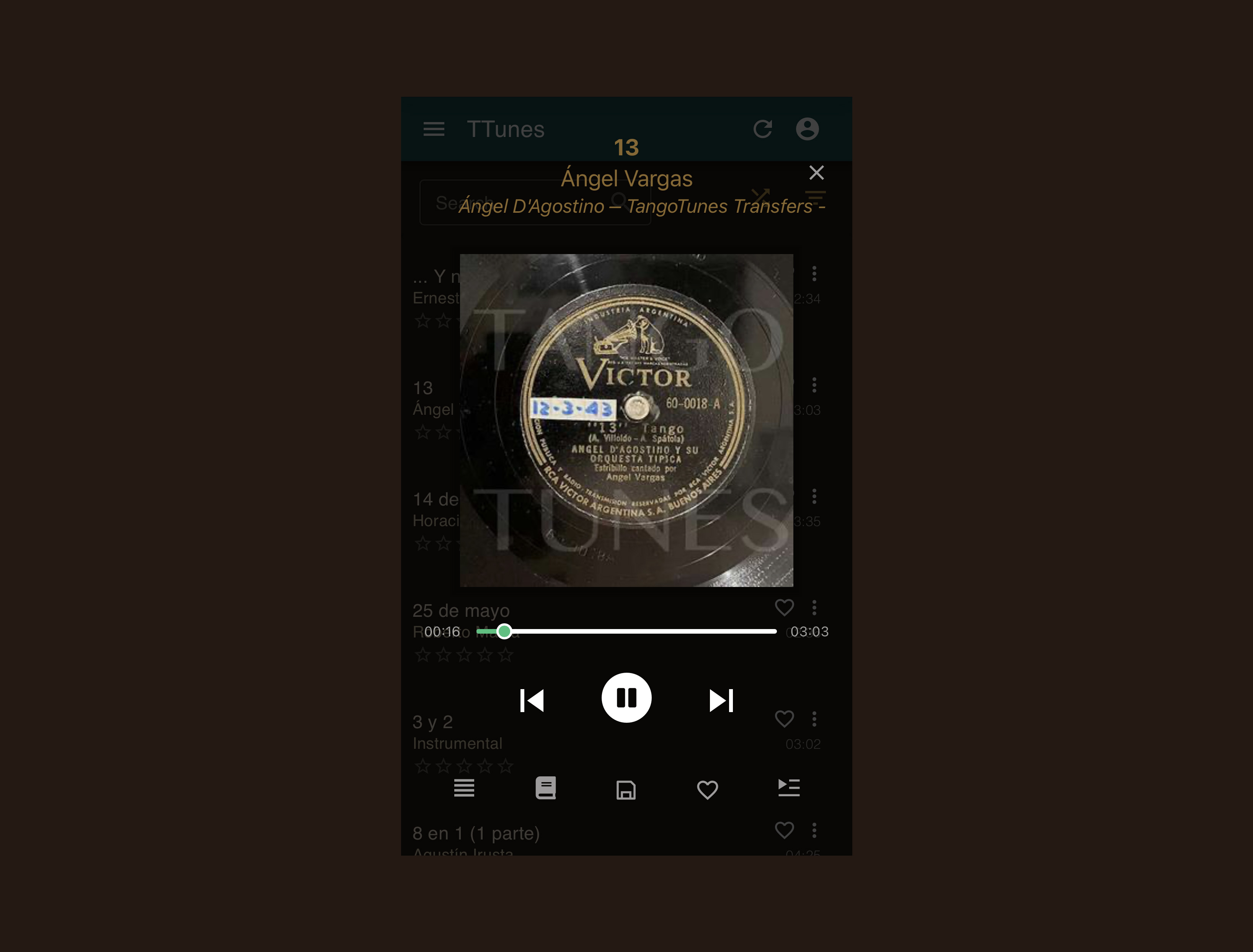
The mobile player provides the same functionality in a compact format designed for mobile devices.
Opening the Player on Mobile Devices
Section titled “Opening the Player on Mobile Devices”On smartphones and tablets, the player can be opened using the shellac icon.
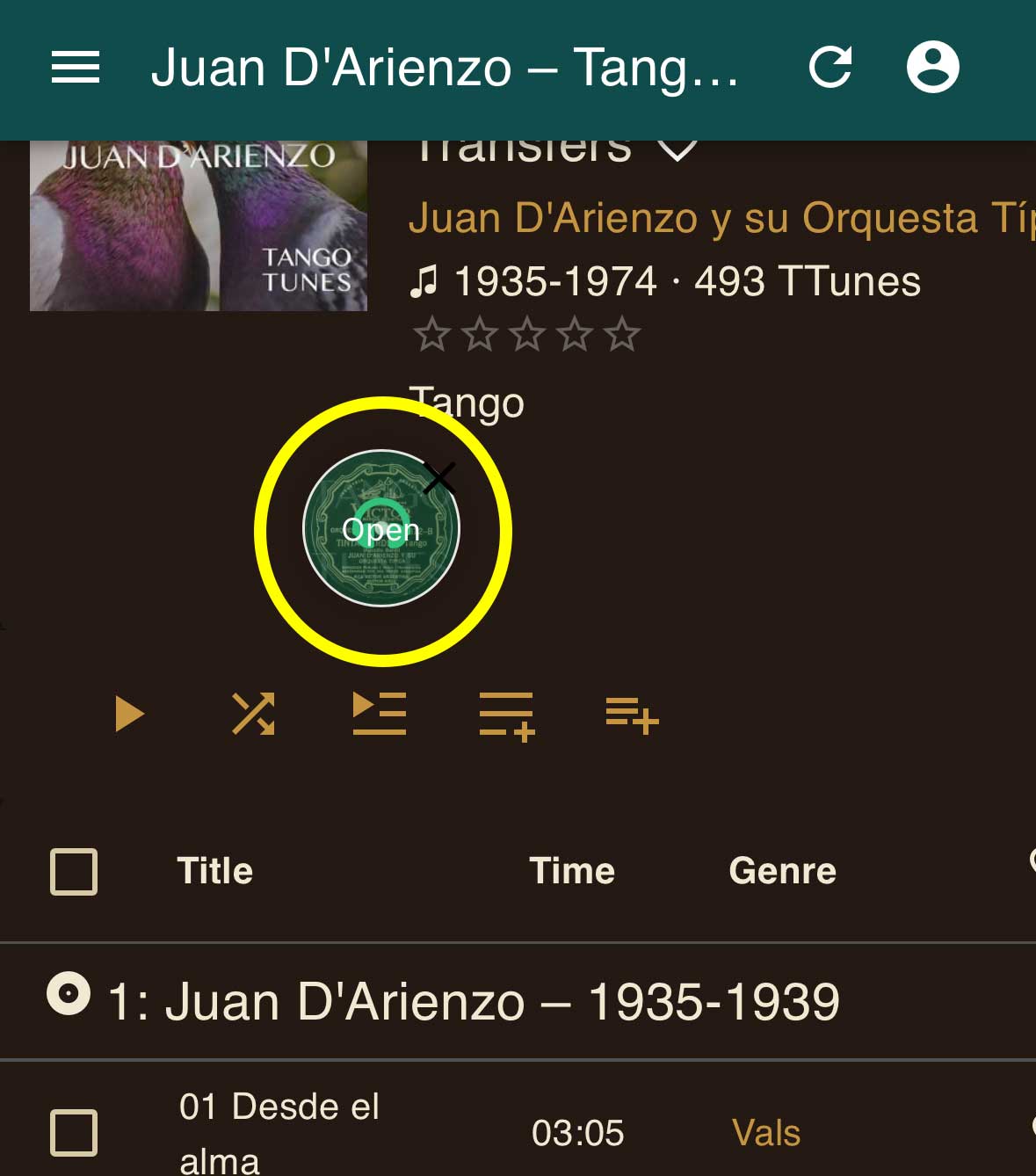
The icon can be freely positioned on the screen and remains accessible while you browse the catalog.
Moving Between Recordings
Section titled “Moving Between Recordings”Use the Previous and Next buttons to move between recordings in the current playlist or queue.
Adjusting the Volume
Section titled “Adjusting the Volume”Volume can be controlled:
- directly in the player
- through your browser’s volume controls
- using your device’s volume buttons
Continue Exploring While Listening
Section titled “Continue Exploring While Listening”You can continue browsing the catalog while playback continues.
Search for artists, open collections, create playlists, or discover new recordings without interrupting the music.
Playback continues as long as your browser remains open and an internet connection is available.