Subscription Status
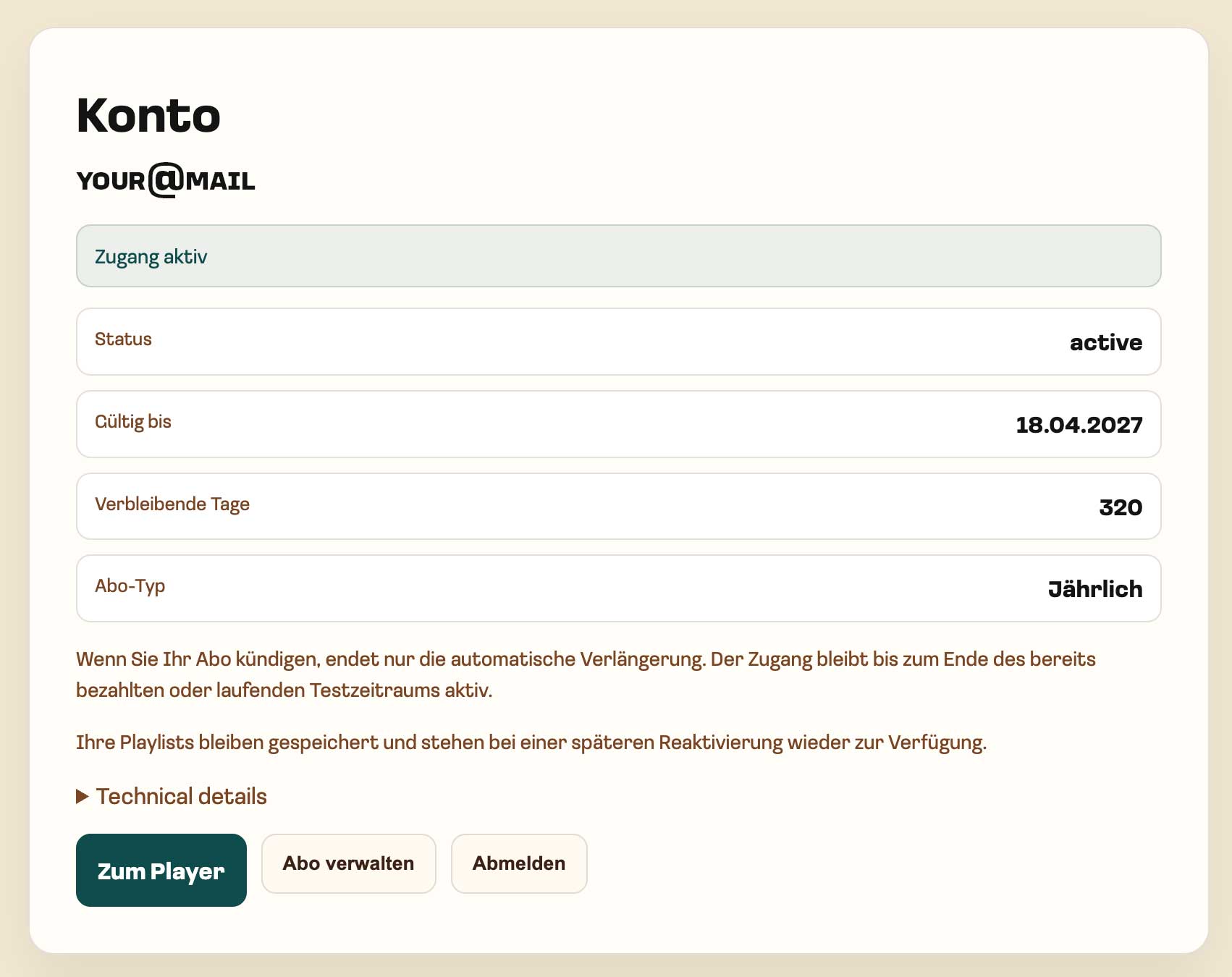
Your subscription status shows whether your access to TocaToca is active.
Check Your Status
Section titled “Check Your Status”Sign in at auth.tocatoca.com and open the Subscription section.
If Your Subscription Is Active
Section titled “If Your Subscription Is Active”Open play.tocatoca.com.
With an active subscription, you have access to the complete available catalog.
Alternatively, you can use the “Open Player” button to go directly to the TocaToca player.
If Your Subscription Is Not Active
Section titled “If Your Subscription Is Not Active”Follow the instructions in your account area to complete the activation process.
If your access still has not been activated, please contact support at support@tocatoca.com.
Related Topics
Section titled “Related Topics”If you do not yet have an account, start with Create an Account.
For information about protecting your account, see Passwords and Account Access and Responsible Use.